01
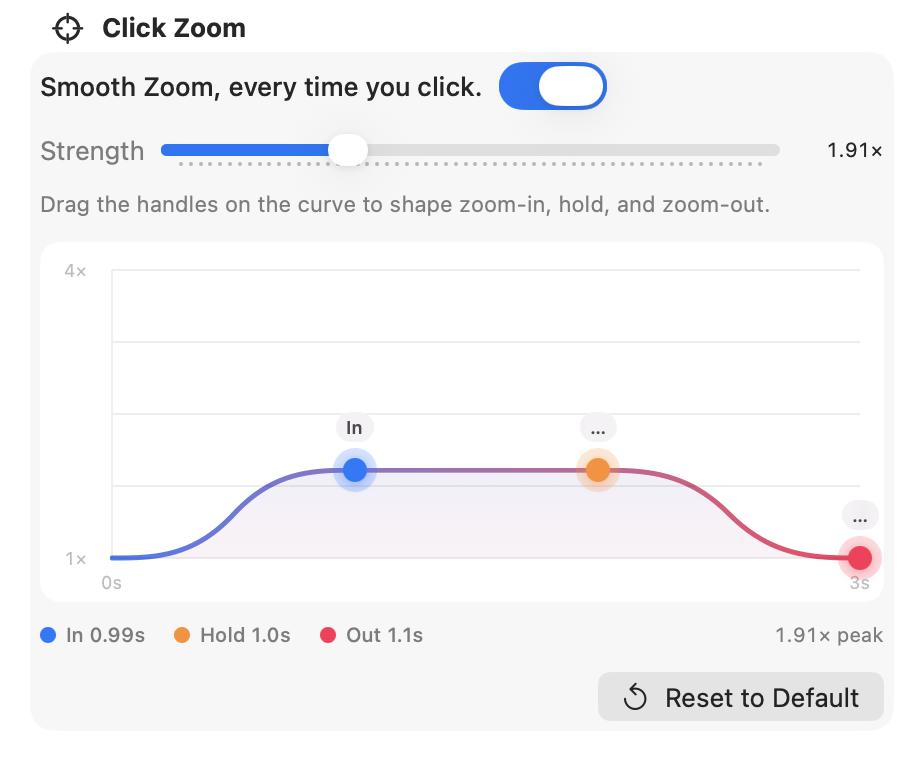
Auto-zoom on every click
Smooth cinematic zoom into each click, then an elegant pull-back when you pause. Strength from 1.05× to 4×.
Updated: July 27, 2026
Everything ScreenZoom actually does - no filler.
01
Smooth cinematic zoom into each click, then an elegant pull-back when you pause. Strength from 1.05× to 4×.
02
Capture a full display, a single window, or a custom region from the floating capture bar.

03
Optional webcam with live preview, microphone, and system audio - each switchable independently.

04
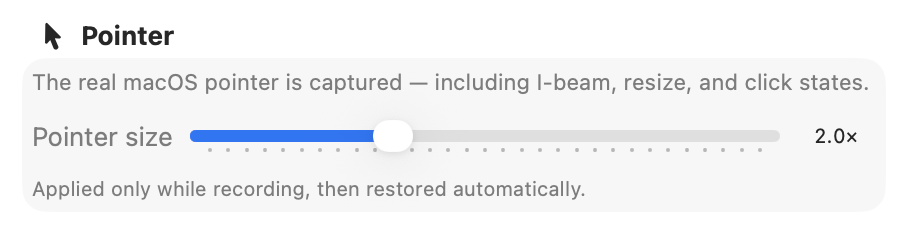
Records the true system pointer (I-beam, resize, and more). Scale it 1×–4× while recording.
05
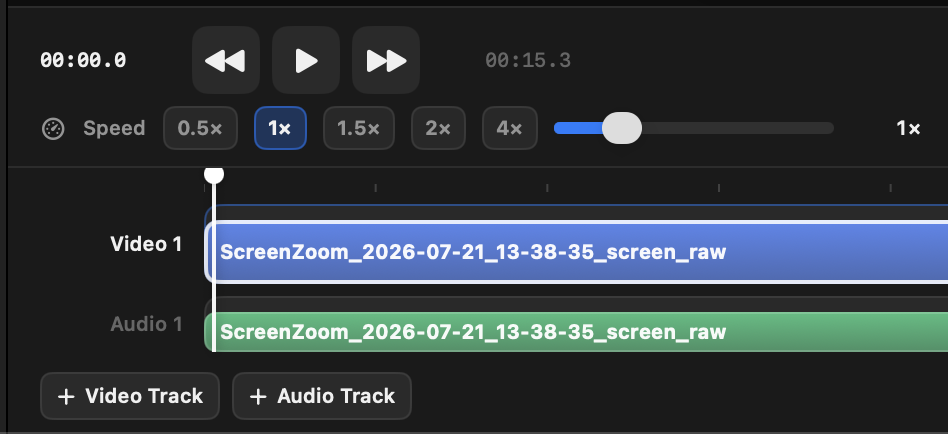
Aspect ratios, padding, rounded corners, and blur - then cut, pace, and export.
06
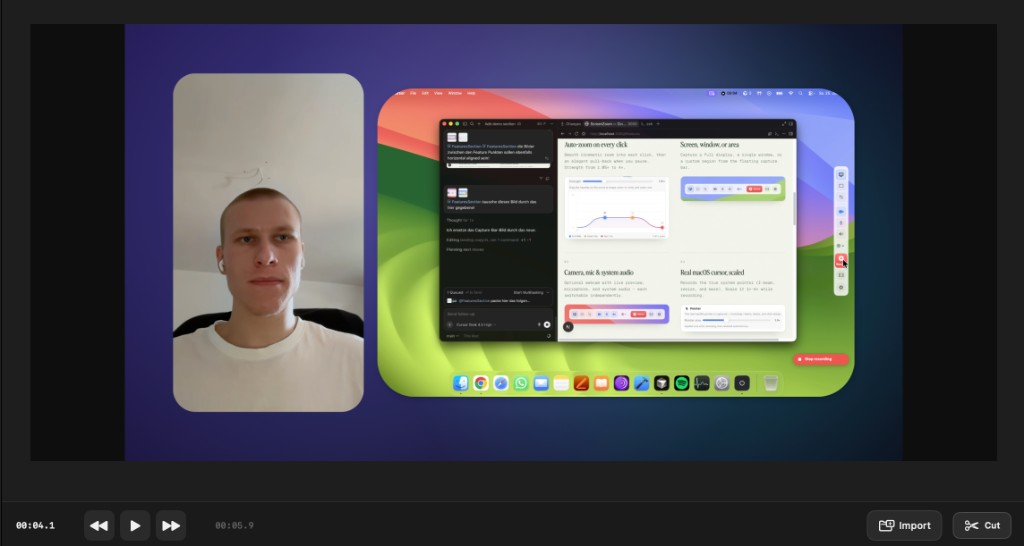
Picture-in-picture or split layouts, cut segments, adjust audio volume, undo/redo - then export up to 4K.
07
Drop your recording onto a soft gradient or any image - frame demos so they feel finished, not raw.
08
Burn captions into the export so every demo stays clear without audio - synced and styled for the scene.

A full ScreenZoom recording - auto-zoom, scene, and all.
No subscription. No monthly meter. Pay once.
one-time
$35
Full ScreenZoom access, forever.